
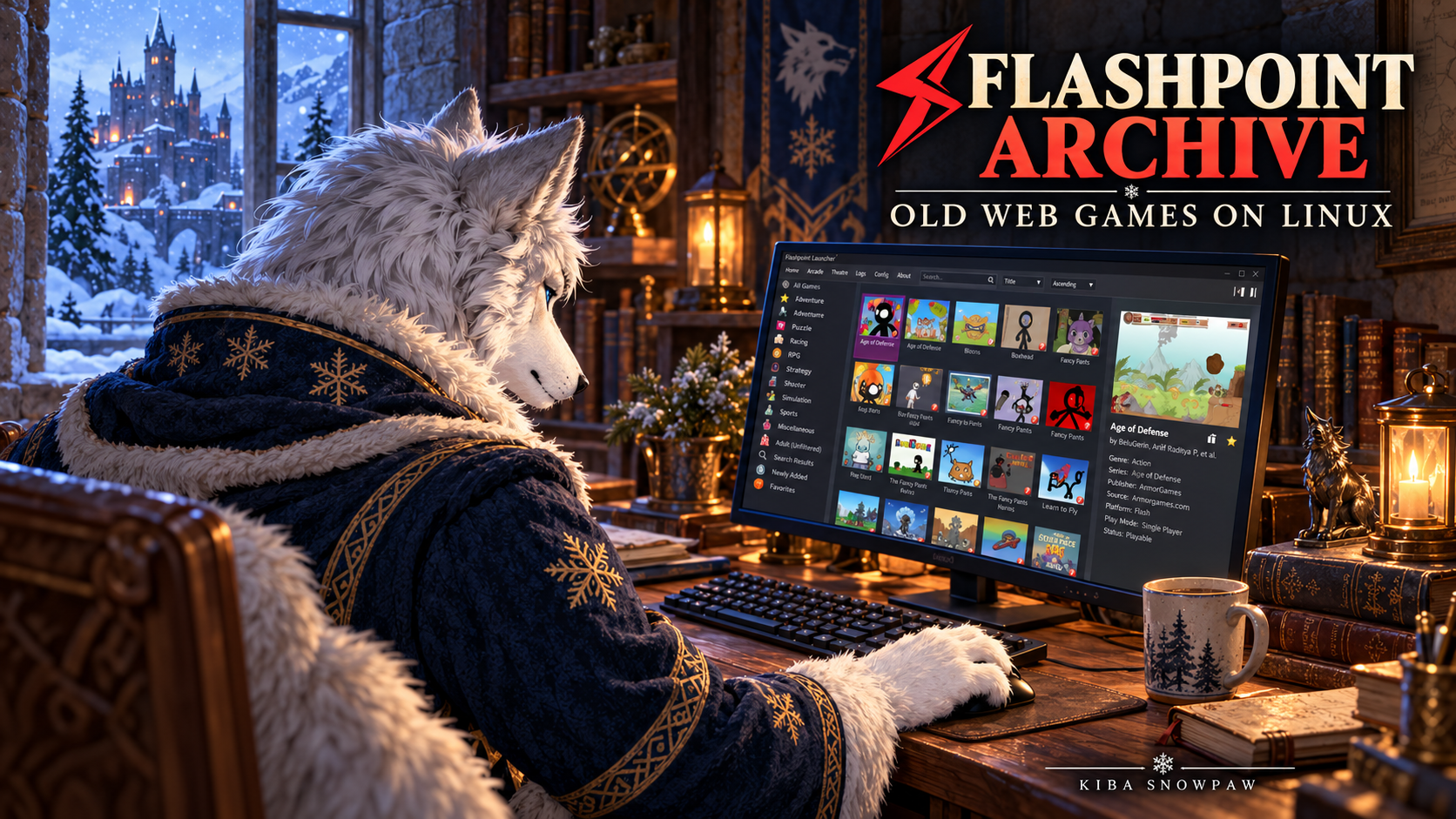
Flashpoint Archive keeps old browser games and animations playable after browser support, plugins and original websites disappear. Its Linux package now includes the launcher, supporting files and a bundled runtime. You can install it in a folder you own and start it with the supplied scripts.
Updated: 24 October 2026. The current installation steps come first. The guide dated 2 January 2022, 16:53 is retained as a historical reference further down.
What Flashpoint preserves · Choose a download · Install the Linux archive · AppImage option · Updates and saves · 2022 reference
What Flashpoint preserves
The project began in December 2017 and was previously known as BlueMaxima’s Flashpoint. It preserves web games, animations and other interactive content across Flash, Shockwave, HTML5 and many other technologies.
A web game can depend on several files and expect to load them from its original website. Flashpoint recreates those requests through local server and proxy components. That is why keeping only a single .swf file is not always enough. The project’s FAQ explains how these dependencies and website checks affect preservation.
Choose the Linux download
The official downloads page lists the following main Linux package when checked on 24 October 2026:
| Item | Main Linux archive |
|---|---|
| Version | Flashpoint Infinity 14.0.3 |
| Package date | 1 December 2025 |
| Download / initial installation | About 514 MB / 2.6 GB |
| Included components | Launcher, archive metadata, bundled libraries and Wine runtime |
Infinity downloads game files as you launch entries, so its disk use grows. Ultimate includes the archive’s game data in a much larger download; the current downloads page lists about 2.28 TB. Infinity is the practical starting point for downloading selected games.
For the main Linux archive, use an x86_64 system with glibc 2.31 or newer and allow at least 4 GB of free space, plus room for downloaded games. Linux support remains experimental and covers fewer platforms than Windows. See the Linux support page for compatibility details.
The GitHub launcher repository also distributes the launcher separately. Choose the complete Linux package for this installation; a launcher-only download does not supply the rest of Flashpoint.

Install the complete Linux archive
1. Download and check the archive
Open the Linux section of the official downloads page and download its .7z package. The checked package is fp14.0.3_lin_20251201.7z. These commands apply to that exact package; use the official page’s new filename and hash when a newer release replaces it.
If your browser saves to ~/Downloads, check the file from a terminal:
cd "$HOME/Downloads"
sha256sum fp14.0.3_lin_20251201.7z
The SHA-256 listed on the official downloads page for this exact archive is:
f393a98c5c35e229a744c102b0cb53270b1b4f1b3ebd40d604f98323444a4b1f
The output should match. If it differs, check that the download completed and that the filename and published hash refer to the same package before extracting it.
2. Extract into an empty folder
Use an archive manager with 7-Zip support and extract into an empty, writable folder, for example ~/Games/Flashpoint. Keep a previous installation in its own folder.
With the 7z command installed, the equivalent extraction is:
7z x "$HOME/Downloads/fp14.0.3_lin_20251201.7z" -o"$HOME/Games/Flashpoint"Some distributions provide the extractor as 7zz or 7zr; substitute the executable you installed. Keep the full extracted directory structure together.
3. Use the supplied startup scripts
Open the extracted folder and run its desktop-entry setup script:
cd "$HOME/Games/Flashpoint"
./setup-desktop-entry.sh
Alternatively, launch directly from that folder:
./start-flashpoint.shThese are the scripts named in the current Linux installation instructions. If extraction removed their execute permission, restore it for those two files:
chmod u+x setup-desktop-entry.sh start-flashpoint.shRun Flashpoint as your normal user. The installation can stay in your home directory; Steam’s installation folder and Steam Client Bootstrapper are not part of this procedure.
4. Launch a game
Search for an entry, select it and launch it. Let Infinity finish downloading its required files. Check that the game opens, accepts input and plays sound. Once its files have downloaded, test that particular game offline if offline access is what you need.
Keep the bundled runtime for the initial setup. The Linux support page has a separate dependency section for people who deliberately replace the supplied libraries and Wine with distribution packages.
Alternative: the AppImage
The Linux support page also offers an AppImage route. On the official launcher release page, expand Assets and select flashpoint-launcher-anylinux-x86_64.AppImage. Choose either this route or the archive procedure above for a new setup.
From the folder containing the downloaded AppImage:
chmod u+x flashpoint-launcher-anylinux-x86_64.AppImage
./flashpoint-launcher-anylinux-x86_64.AppImage
The project’s AppImage startup wrapper unpacks its bundled data into ~/Games/Flashpoint on first launch. Give that initial extraction time to finish. The data lives outside the AppImage, so keep that folder when replacing the AppImage file. Start with a separate backup if that location already contains an older installation.
Updates, playlists and saves
For Linux package upgrades, the current FAQ directs users to download the new package. Its Flashpoint Manager component-update instructions apply to Windows Infinity.
- Close Flashpoint and back up the old installation before moving to a new package.
- Export playlists from the old launcher, then import them into the new copy.
- Back up saves separately. Their location depends on the player and game; check the save-data reference.
- Test the new installation before removing the old copy.
Native Linux Flash saves may be under ~/.macromedia/Flash_Player/. Windows players running through Wine can use locations inside their prefix, and some games save within Flashpoint’s own directories. Copying the launcher alone will not preserve all of those files.
If something does not start
- The startup script is missing: check the extraction location and whether you downloaded the complete Linux package.
- Permission denied: check the file’s execute permission and whether the destination filesystem allows execution.
- The launcher opens but one game fails: record the game title, platform and error. Compare another entry using the same platform to help narrow the failure.
- A sandbox or library error appears: start the supplied script from a terminal and keep the actual message. Use the matching section of the Linux troubleshooting page.
When asking for help, include your distribution, CPU architecture, package date, whether you used the archive or AppImage, and the relevant launcher log. Keep personal paths and account information out of public logs.
Archived reference: the 2 January 2022 method
The older guide used a Flashpoint Launcher 10.1.1 download and a separate Flashpoint 10 Linux data package, arranged under ~/opt/flashpoint/launcher and ~/opt/flashpoint/data. The 10.1.1 launcher release remains a useful historical reference.
That split setup used different files and paths from the complete Linux package above. Keep it with a matching old installation rather than combining its commands with a current package.
| Old step | What to use today |
|---|---|
| Browse Steam Client Bootstrapper’s files | Begin in a normal terminal or file manager and choose your own installation folder. |
| Download launcher 10.1.1 and Flashpoint 10 data separately | Download the complete current Linux archive, or choose the AppImage route. |
| Write a custom launcher script | Use the startup method supplied by the package. |
Run killall php and killall qemu-system-i386 after exit | Leave those broad cleanup commands out of a current launch script. They can stop unrelated processes with the same executable names. |
Install ./launcher into /usr/local/bin/launcher | Use the supplied desktop entry. The old text creates a file named flashpoint but then tries to install a different file named launcher. |
A shell here-document needs real line breaks: its opening marker, script body and closing EOF must be separate. The #!/bin/sh line must begin with #!, without a preceding backslash. Those formatting repairs do not make the old setup a current installation method.
References
- Flashpoint Archive: project background
- Official downloads, package dates and verification hashes
- Linux support, installation and troubleshooting
- Current FAQ: downloads, offline use, upgrades and playlists
- Save Data Locations
- Launcher 14.0.3 release and assets and AppImage startup wrapper
- Archived launcher 10.1.1 release